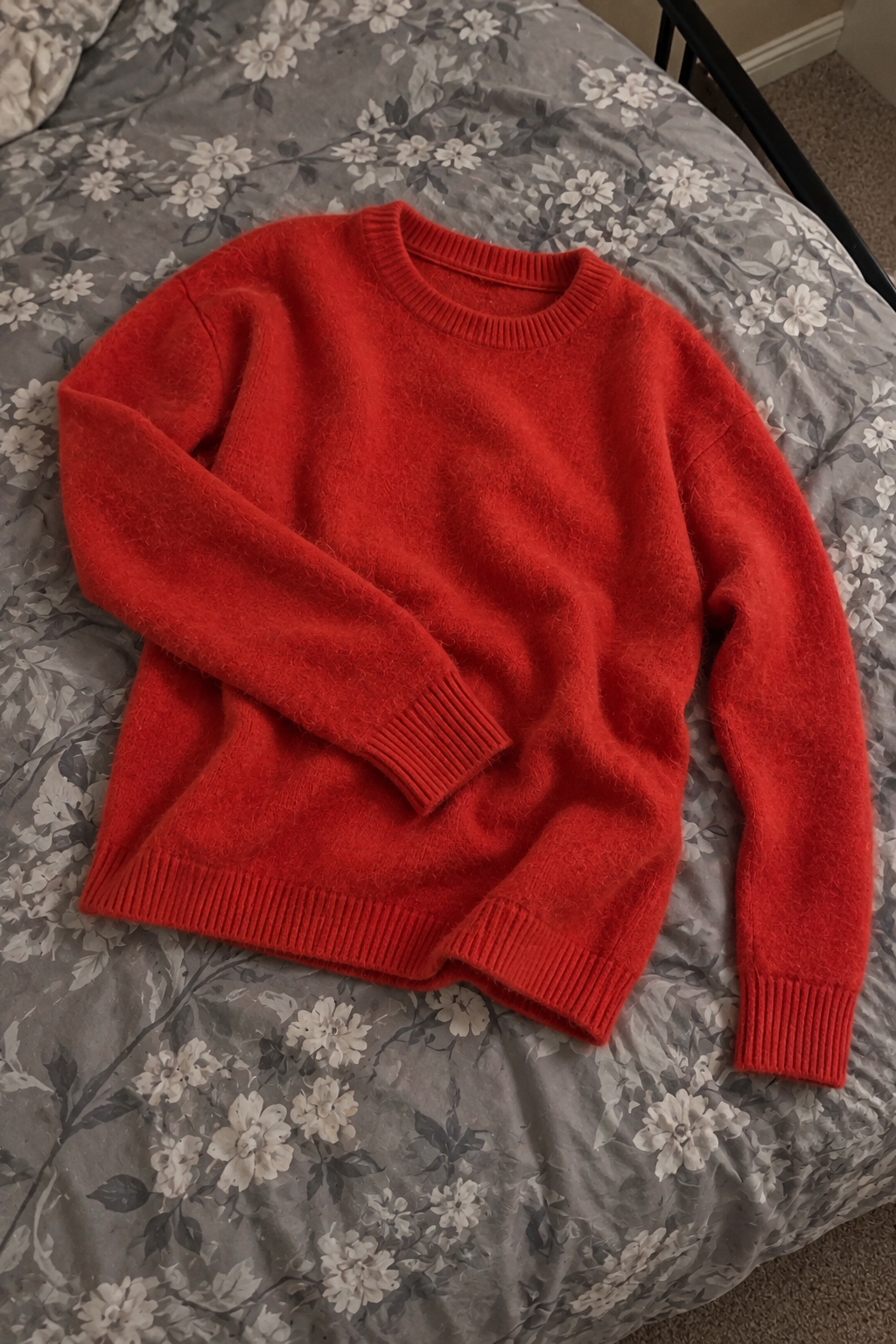

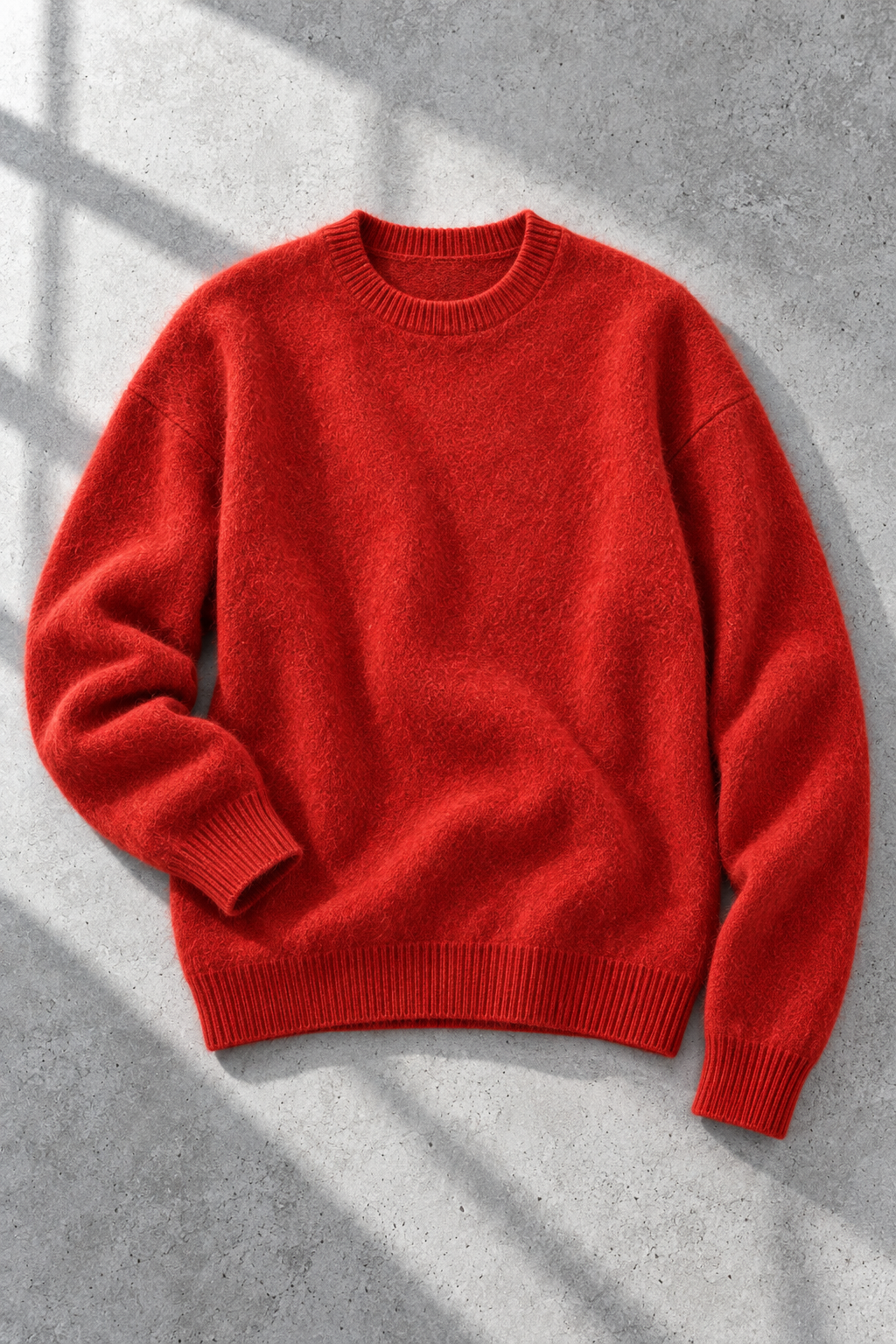
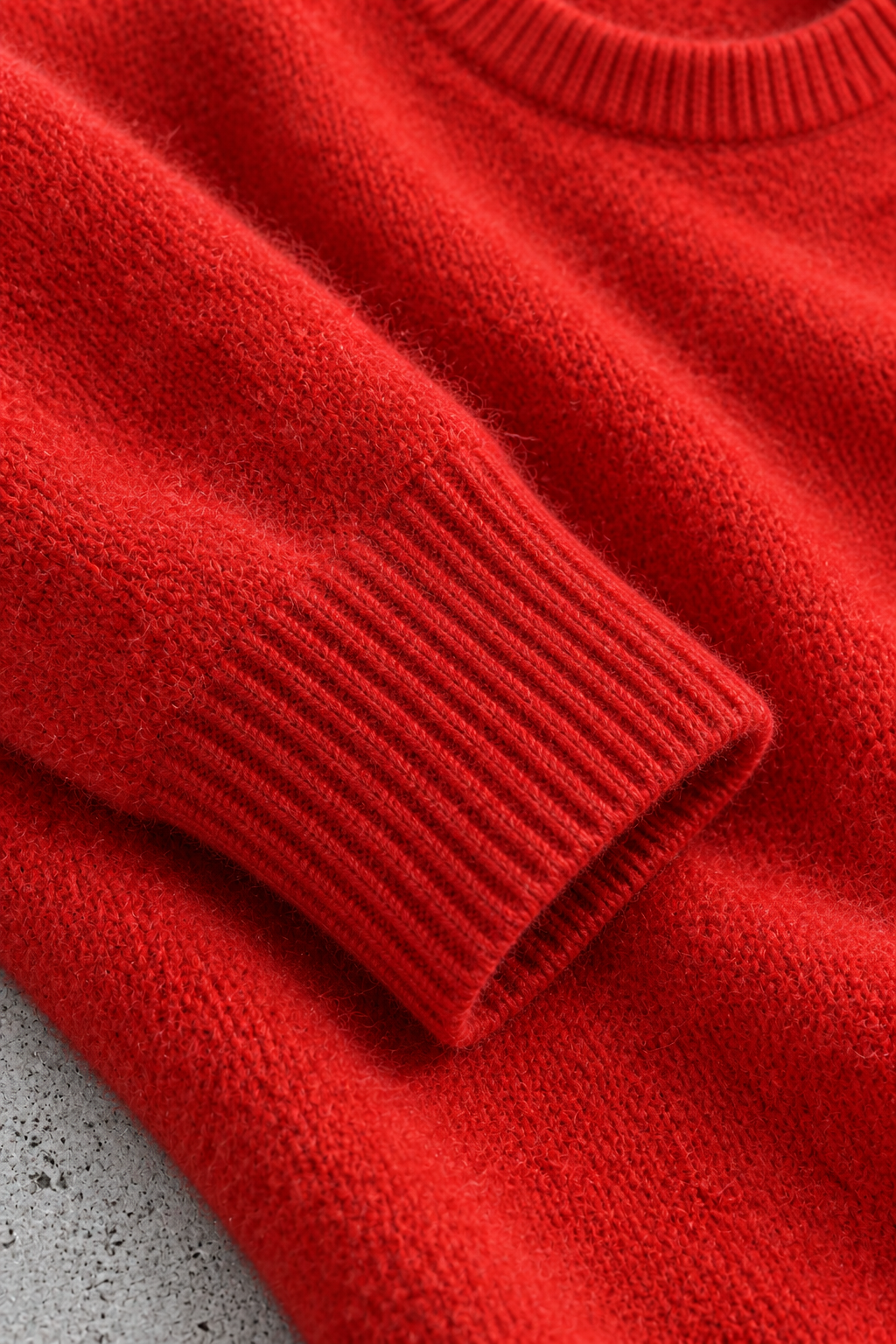
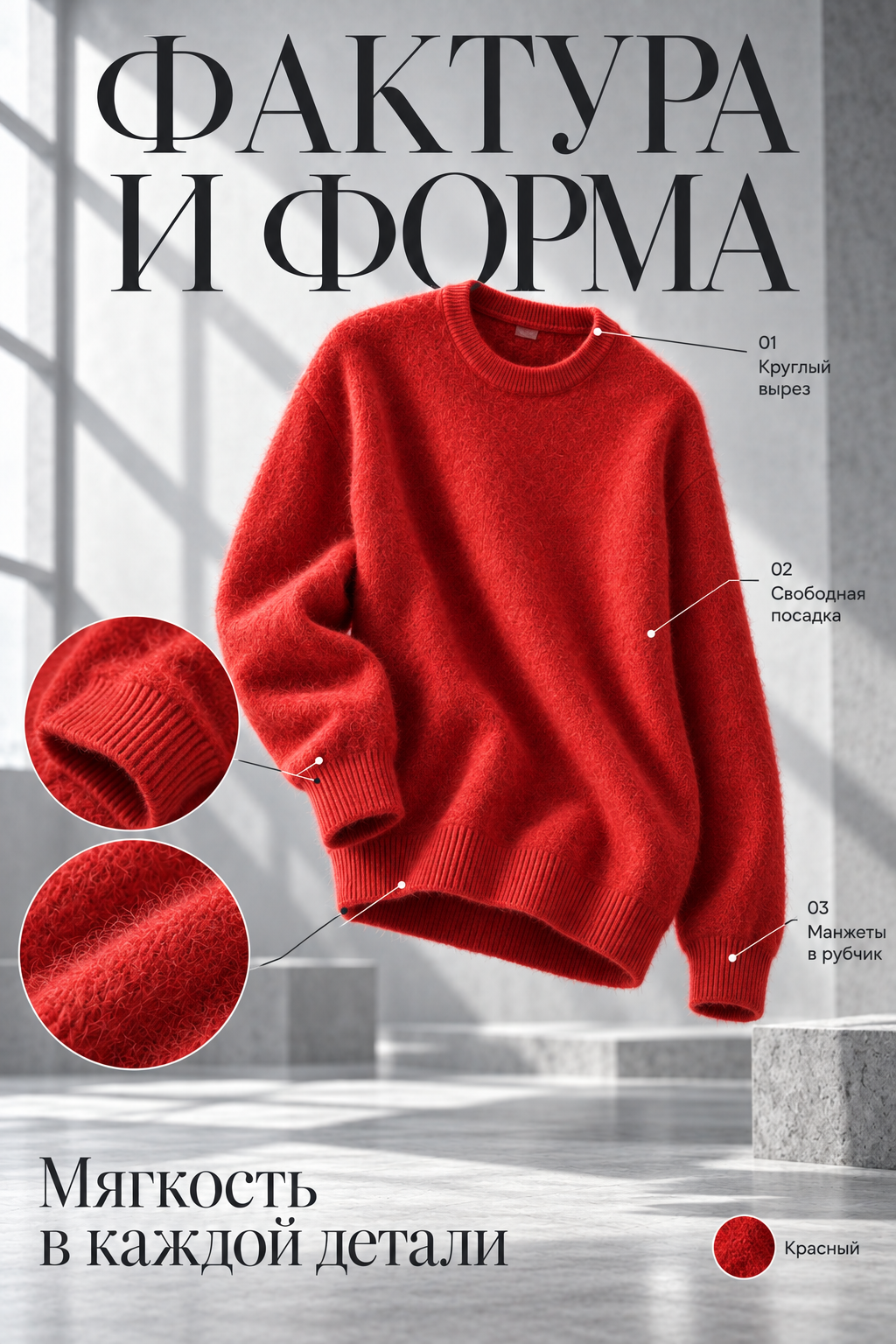
100 sparks
$7
≈25 images
At a cost of 4 sparks per image
Choose this packAI photo studio for sellers
Upload photos, screenshots, links, and a description. The AI agent reviews your materials and helps create product photos, infographics, and video for your product.
We help prepare photos and data for an Ozon listing.
From an ordinary photo to model shots, flat lays, details, and infographics.
Product photos, screenshots, links, descriptions, and specifications — no need to bring them into one format first.
Check product data, resolution, shot types, and angles. Ask the agent to change settings when needed.
Get ready photos, infographics, and video. We help prepare listing data; you can publish it in your store yourself.
Choose the operations once and apply them to the entire selected set of photos.
Adjust light, color and detail so product photos look cleaner.
Remove noise, defects and unwanted details while preserving the product.
Upscale images to 2K or 4K without processing every file by hand.
Get a transparent background for the entire selected set of photos.
We help assemble product photos and description for a listing. You can publish it in your store yourself.
Top up your sparks balance and spend it on content creation.
$7
≈25 images
At a cost of 4 sparks per image
Choose this pack$30
≈125 images
At a cost of 4 sparks per image
Choose this pack$100
≈500 images
At a cost of 4 sparks per image
Choose this pack$475
≈2500 images
At a cost of 4 sparks per image
Choose this packSpark usage depends on the generation model, resolution, and other settings.
A quick guide to materials, the agent, and the result.
You can start with an ordinary photo or screenshot. The key is that the product can be seen clearly. Sources with visible details help reproduce its appearance more accurately.
The agent helps review your materials and suggests settings. Accept its suggestion or clarify the result you need.
Yes. Change its settings or references and run generation again. The rest of the set stays in place.
Product photos, infographics, and video for a listing, plus help preparing its data. You choose the set of materials.
For now, we help prepare Ozon listings. You can publish the listing in the store yourself.
Open the app, sign up, and add materials for your first product.
While Google reviews the app, you can install it in one of three ways.
Testing programme: three steps, then updates arrive by themselves.
Open in Google PlayPay with Russian cards and SBP.
The beta through Apple’s app.